

前端の骚操作代码合集 (二)| 让你的网页变得有趣
作者: 前端AC | 原文: https://juejin.cn/post/7488712888514969611
🎵 键盘钢琴
效果:按下A-S-D-F-G-H-J-K键播放钢琴音阶
<div class="piano">
  <div data-key="65" class="key">A</div>
  <div data-key="83" class="key">S</div>
  <div data-key="68" class="key">D</div>
  <div data-key="70" class="key">F</div>
  <div data-key="71" class="key">G</div>
  <div data-key="72" class="key">H</div>
  <div data-key="74" class="key">J</div>
  <div data-key="75" class="key">K</div>
</div>

<style>
.piano {
  display: flex;
  margin: 100px auto;
  width: 600px;
}

.key {
  width: 70px;
  height: 200px;
  border: 2px solid #333;
  display: flex;
  justify-content: center;
  align-items: flex-end;
  padding-bottom: 20px;
  font-size: 1.5em;
  cursor: pointer;
  transition: all 0.1s;
  background: white;
  user-select: none;
}

.key:active, .key.active {
  background: #ffcc00;
  transform: scale(0.98);
}
</style>

<script>
const keys = document.querySelectorAll('.key');
const notes = ['C4', 'D4', 'E4', 'F4', 'G4', 'A4', 'B4', 'C5'];

// Web Audio API初始化
const audioContext = new (window.AudioContext || window.webkitAudioContext)();
const oscillators = {};

function playNote(key) {
  const index = parseInt(key) - 65; // A=65,B=66...
  if(index >=0 && index <8) {
    const oscillator = audioContext.createOscillator();
    oscillator.type = 'sine';
    oscillator.frequency.value = 261.63 * Math.pow(2, index/12); // 计算频率
    oscillator.connect(audioContext.destination);
    oscillator.start();
    oscillators[key] = oscillator;

    // 停止声音(0.5秒后)
    setTimeout(() => {
      oscillator.stop();
      delete oscillators[key];
    }, 500);
  }
}

// 键盘事件
document.addEventListener('keydown', (e) => {
  const key = e.keyCode;
  if(oscillators[key]) return; // 防止重复触发

  const keyElement = document.querySelector(`[data-key="${key}"]`);
  if(keyElement) {
    keyElement.classList.add('active');
    playNote(key);
  }
});

document.addEventListener('keyup', (e) => {
  const keyElement = document.querySelector(`[data-key="${e.keyCode}"]`);
  if(keyElement) keyElement.classList.remove('active');
});

// 点击事件
keys.forEach(key => {
  key.addEventListener('mousedown', () => {
    const keyCode = key.getAttribute('data-key');
    key.classList.add('active');
    playNote(keyCode);
  });

  key.addEventListener('mouseup', () => {
    key.classList.remove('active');
  });
});
</script>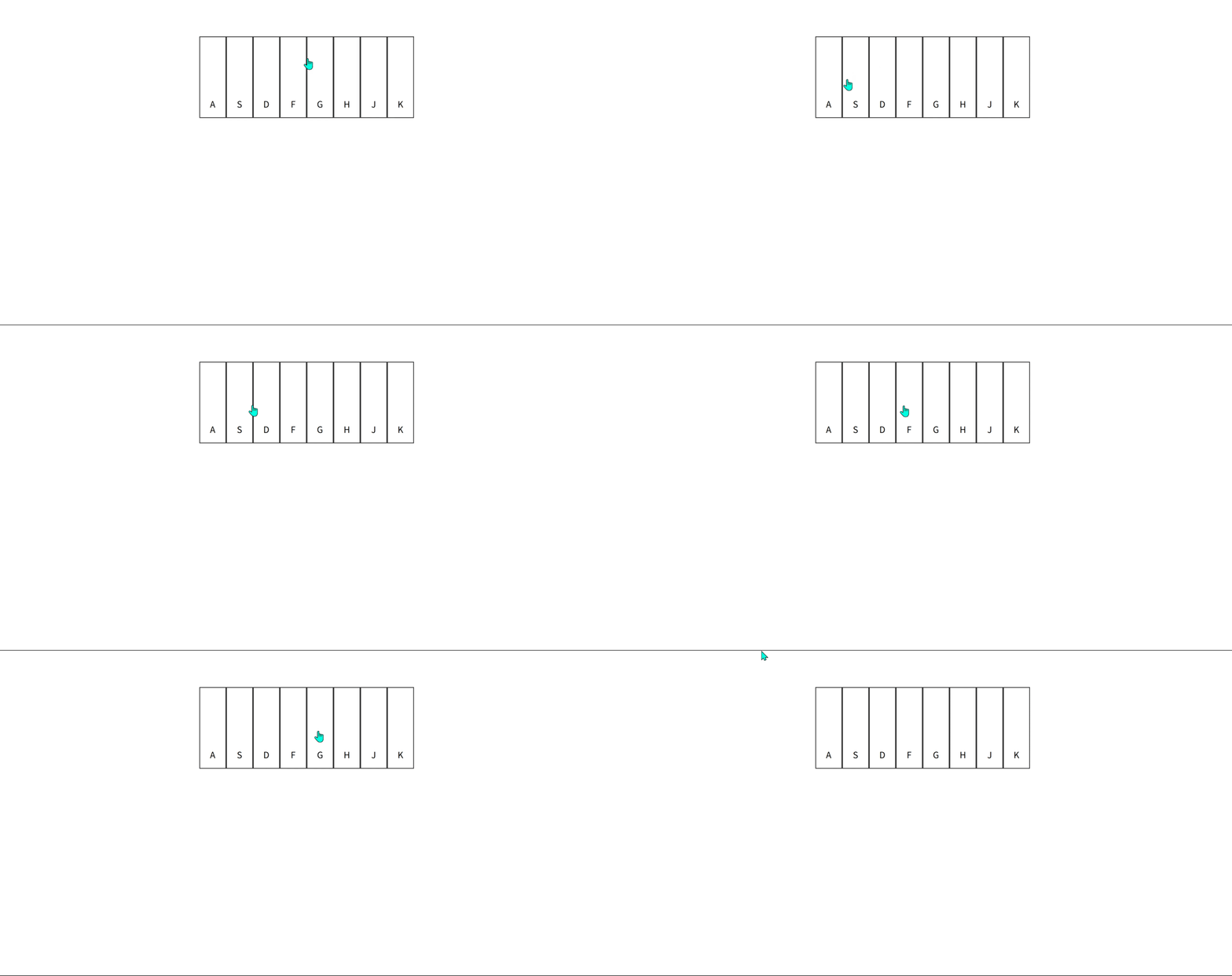
🐍 贪吃蛇小游戏
效果:经典贪吃蛇游戏(键盘方向键控制)
<canvas id="snake-game" width="400" height="400"></canvas>
<p>得分: <span id="score">0</span></p>

<style>
#snake-game {
  border: 2px solid #333;
  display: block;
  margin: 0 auto;
  background: #f0f0f0;
}
</style>

<script>
const canvas = document.getElementById('snake-game');
const ctx = canvas.getContext('2d');
const scoreElement = document.getElementById('score');

const gridSize = 20;
let snake = [{x: 10, y: 10}];
let food = {x: 5, y: 5};
let direction = 'right';
let nextDirection = 'right';
let score = 0;
let gameSpeed = 150;
let gameInterval;

function draw() {
  // 清空画布
  ctx.fillStyle = '#f0f0f0';
  ctx.fillRect(0, 0, canvas.width, canvas.height);

  // 绘制食物
  ctx.fillStyle = 'red';
  ctx.fillRect(food.x * gridSize, food.y * gridSize, gridSize, gridSize);

  // 绘制蛇
  ctx.fillStyle = 'green';
  snake.forEach(segment => {
    ctx.fillRect(segment.x * gridSize, segment.y * gridSize, gridSize, gridSize);
  });
}

function update() {
  // 更新方向
  direction = nextDirection;

  // 移动蛇
  const head = {...snake[0]};

  switch(direction) {
    case 'up': head.y--; break;
    case 'down': head.y++; break;
    case 'left': head.x--; break;
    case 'right': head.x++; break;
  }

  // 检查碰撞
  if(head.x < 0 || head.x >= canvas.width/gridSize ||
     head.y < 0 || head.y >= canvas.height/gridSize ||
     snake.some(segment => segment.x === head.x && segment.y === head.y)) {
    gameOver();
    return;
  }

  // 添加到头部
  snake.unshift(head);

  // 检查是否吃到食物
  if(head.x === food.x && head.y === food.y) {
    score++;
    scoreElement.textContent = score;
    generateFood();

    // 加速
    if(gameSpeed > 50 && score % 3 === 0) {
      gameSpeed -= 10;
      clearInterval(gameInterval);
      gameInterval = setInterval(gameLoop, gameSpeed);
    }
  } else {
    // 没吃到食物则移除尾部
    snake.pop();
  }
}

function generateFood() {
  let newFood;
  do {
    newFood = {
      x: Math.floor(Math.random() * (canvas.width/gridSize)),
      y: Math.floor(Math.random() * (canvas.height/gridSize))
    };
  } while(snake.some(segment => segment.x === newFood.x && segment.y === newFood.y));

  food = newFood;
}

function gameLoop() {
  update();
  draw();
}

function gameOver() {
  clearInterval(gameInterval);
  alert(`游戏结束!得分: ${score}`);

  // 重置游戏
  snake = [{x: 10, y: 10}];
  direction = 'right';
  nextDirection = 'right';
  score = 0;
  scoreElement.textContent = '0';
  gameSpeed = 150;
  generateFood();
  gameInterval = setInterval(gameLoop, gameSpeed);
}

// 键盘控制
document.addEventListener('keydown', (e) => {
  switch(e.key) {
    case 'ArrowUp': if(direction !== 'down') nextDirection = 'up'; break;
    case 'ArrowDown': if(direction !== 'up') nextDirection = 'down'; break;
    case 'ArrowLeft': if(direction !== 'right') nextDirection = 'left'; break;
    case 'ArrowRight': if(direction !== 'left') nextDirection = 'right'; break;
  }
});

// 开始游戏
generateFood();
gameInterval = setInterval(gameLoop, gameSpeed);
</script>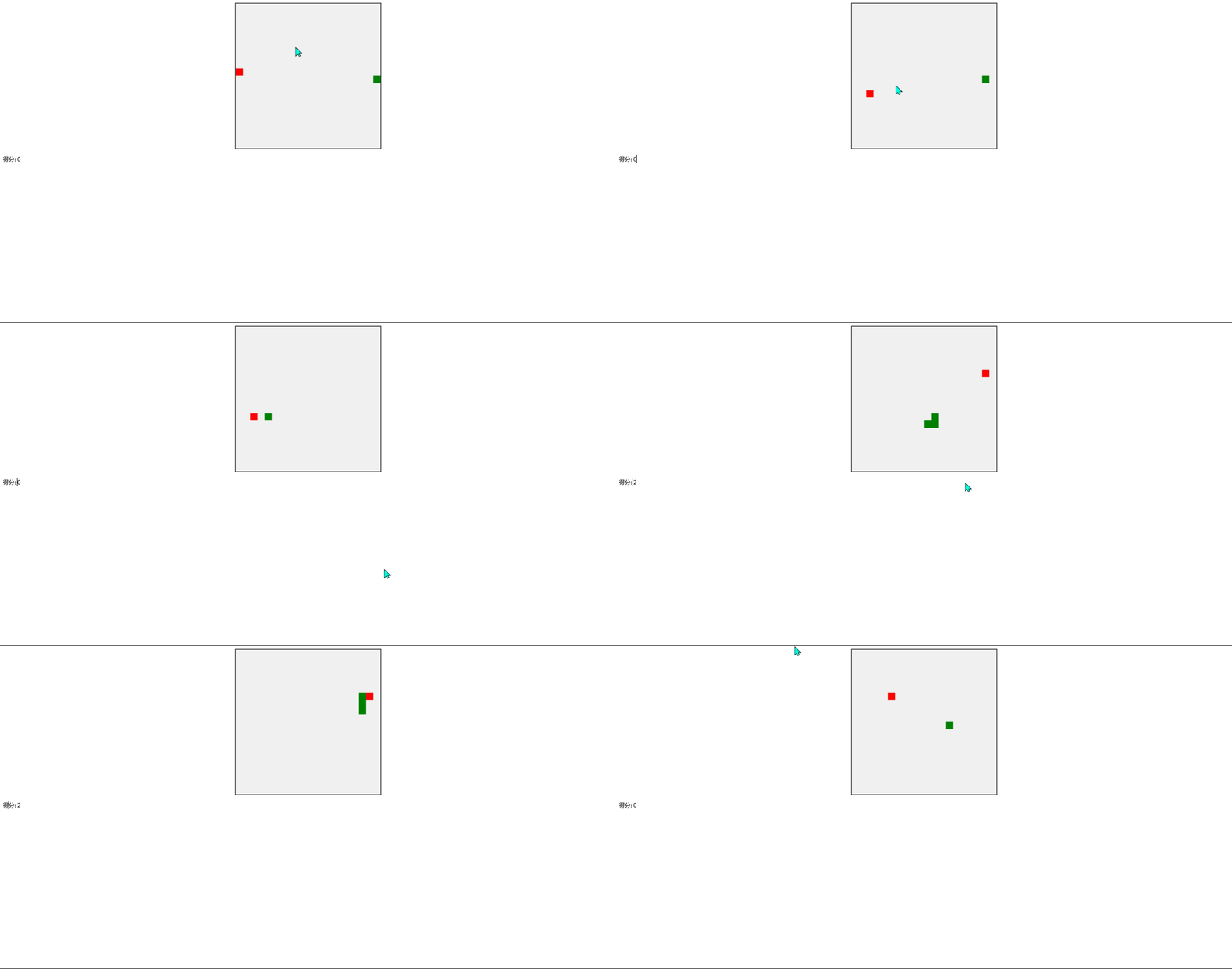
🖼️ 图片像素化动画
效果:点击图片触发像素化/还原动画
<img id="pixel-image" src="https://picsum.photos/400/400" alt="示例图片">

<style>
#pixel-image {
  display: block;
  margin: 20px auto;
  cursor: pointer;
  transition: filter 0.5s;
}

.pixelate {
  filter: url('#pixelate');
  transition: filter 0.5s;
}
</style>

<!-- SVG滤镜 -->
<svg width="0" height="0">
  <filter id="pixelate">
    <feFlood x="0" y="0" width="1" height="1" result="flood"/>
    <feComposite width="10" height="10" operator="atop" in="flood" in2="SourceGraphic"/>
  </filter>
</svg>

<script>
const img = document.getElementById('pixel-image');
let isPixelated = false;

img.addEventListener('click', () => {
  isPixelated = !isPixelated;

  if(isPixelated) {
    img.classList.add('pixelate');

    // 添加抖动效果
    img.style.animation = 'shake 0.5s';
    setTimeout(() => img.style.animation = '', 500);
  } else {
    img.classList.remove('pixelate');
  }
});

// 添加CSS动画
const style = document.createElement('style');
style.textContent = `
  @keyframes shake {
    0%, 100% { transform: translateX(0); }
    20% { transform: translateX(-5px); }
    40% { transform: translateX(5px); }
    60% { transform: translateX(-5px); }
    80% { transform: translateX(5px); }
  }
`;
document.head.appendChild(style);
</script>
🧩 文字迷宫游戏
效果:用键盘方向键在文字迷宫中移动
<pre id="maze"></pre>
<p>使用方向键移动,找到出口 ★</p>

<style>
#maze {
  font-family: monospace;
  font-size: 1.2em;
  line-height: 1;
  background: #222;
  color: #0f0;
  padding: 20px;
  width: fit-content;
  margin: 20px auto;
}

.player {
  color: red;
  font-weight: bold;
}
</style>

<script>
const maze = document.getElementById('maze');
const mazeMap = [
  "###################",
  "#P        #       #",
  "# ####### # ##### #",
  "#       # #     # #",
  "##### # # ##### # #",
  "#   # # #     # # #",
  "# # # # ##### # # #",
  "# # # #       #   #",
  "# # # ######### # #",
  "# # #           # #",
  "# # ########### # #",
  "# #     #     # # #",
  "# ##### # ##### # #",
  "#       #       # #",
  "############### ★ #",
  "###################"
];

let playerPos = {x: 1, y: 1};

function renderMaze() {
  let output = '';

  for(let y = 0; y < mazeMap.length; y++) {
    for(let x = 0; x < mazeMap[y].length; x++) {
      if(x === playerPos.x && y === playerPos.y) {
        output += '<span class="player">@</span>';
      } else {
        output += mazeMap[y][x];
      }
    }
    output += '\n';
  }

  maze.innerHTML = output;
}

function movePlayer(dx, dy) {
  const newX = playerPos.x + dx;
  const newY = playerPos.y + dy;

  // 检查移动是否有效
  if(newX >= 0 && newY >= 0 &&
     newY < mazeMap.length &&
     newX < mazeMap[newY].length &&
     mazeMap[newY][newX] !== '#') {

    playerPos.x = newX;
    playerPos.y = newY;

    // 检查是否到达出口
    if(mazeMap[newY][newX] === '★') {
      alert('恭喜你逃出迷宫!');
      playerPos = {x: 1, y: 1}; // 重置位置
    }

    renderMaze();
  }
}

// 键盘控制
document.addEventListener('keydown', (e) => {
  switch(e.key) {
    case 'ArrowUp': movePlayer(0, -1); break;
    case 'ArrowDown': movePlayer(0, 1); break;
    case 'ArrowLeft': movePlayer(-1, 0); break;
    case 'ArrowRight': movePlayer(1, 0); break;
  }
});

// 初始渲染
renderMaze();
</script>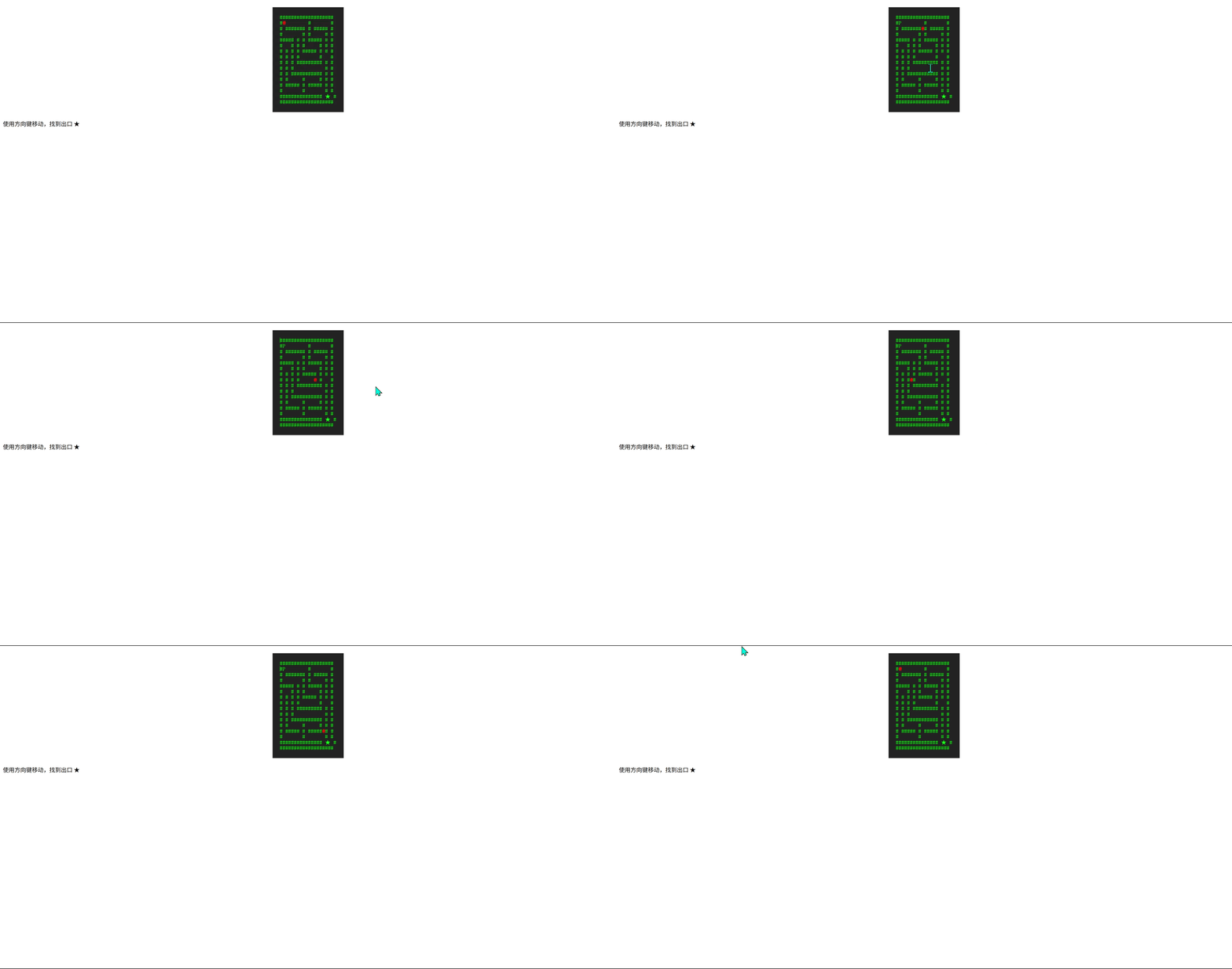
🎤 语音交互特效
效果:说话时页面元素会根据音量大小跳动
<div class="voice-box">
  <div class="voice-bar"></div>
  <div class="voice-bar"></div>
  <div class="voice-bar"></div>
  <div class="voice-bar"></div>
  <div class="voice-bar"></div>
  <div class="voice-bar"></div>
  <div class="voice-bar"></div>
  <div class="voice-bar"></div>
</div>
<button id="mic-btn">🎤 开始语音交互</button>

<style>
.voice-box {
  display: flex;
  justify-content: center;
  align-items: flex-end;
  height: 200px;
  margin: 50px auto;
  gap: 5px;
}

.voice-bar {
  width: 30px;
  height: 10px;
  background: linear-gradient(to top, #ff5e62, #ff9966);
  border-radius: 5px 5px 0 0;
  transition: height 0.1s;
}

#mic-btn {
  display: block;
  margin: 0 auto;
  padding: 15px 30px;
  font-size: 1.2em;
  cursor: pointer;
  background: #4a90e2;
  color: white;
  border: none;
  border-radius: 50px;
}
</style>

<script>
const bars = document.querySelectorAll('.voice-bar');
const micBtn = document.getElementById('mic-btn');
let isListening = false;
let audioContext;
let analyser;
let microphone;
let animationId;

micBtn.addEventListener('click', toggleMic);

async function toggleMic() {
  if(isListening) {
    stopListening();
    micBtn.textContent = '🎤 开始语音交互';
  } else {
    await startListening();
    micBtn.textContent = '🛑 停止语音交互';
  }
  isListening = !isListening;
}

async function startListening() {
  try {
    audioContext = new (window.AudioContext || window.webkitAudioContext)();
    analyser = audioContext.createAnalyser();
    analyser.fftSize = 32;

    const stream = await navigator.mediaDevices.getUserMedia({ audio: true });
    microphone = audioContext.createMediaStreamSource(stream);
    microphone.connect(analyser);

    visualize();
  } catch(err) {
    alert('麦克风访问被拒绝或出错: ' + err.message);
  }
}

function stopListening() {
  if(microphone) microphone.disconnect();
  cancelAnimationFrame(animationId);

  // 重置动画条
  bars.forEach(bar => {
    bar.style.height = '10px';
  });
}

function visualize() {
  const bufferLength = analyser.frequencyBinCount;
  const dataArray = new Uint8Array(bufferLength);

  function update() {
    analyser.getByteFrequencyData(dataArray);

    // 更新每个bar的高度
    bars.forEach((bar, i) => {
      const value = dataArray[i % bufferLength] || 0;
      bar.style.height = `${10 + value/2}px`;
    });

    animationId = requestAnimationFrame(update);
  }

  update();
}
</script>提示:这些代码可以直接复制到HTML文件运行,部分功能需要浏览器支持:
- 贪吃蛇游戏使用方向键控制
- 语音交互需要麦克风权限
- 钢琴键盘对应A-S-D-F-G-H-J-K键
尝试修改参数(如颜色、速度等)可以创造不同效果!🎨